Snap it.Swipe it.Done.
Getting in shape should feel like a hobby, not homework. Hollin logs your day from your photos and Apple Health, nudges you when it counts, and tells you when you’ve done enough.
- Apple Health
- Camera
- Your usual meals
- Voice
- Barcode
You’ve probably tried a calorie app. It felt like homework.
We went through reviews of the big calorie apps. People like the food data. They don’t like what it takes to use it.
- 01
A diary to keep
Every meal searched, typed in and corrected. It’s a lot to keep up on a normal week.
- 02
Guesses you can’t fix
A photo estimate that’s way off, and no easy way to put it right.
- 03
Streaks that punish you
Miss one day and the app acts like you’ve failed. Then the notifications start.
Three steps, and that’s your day sorted.
Most of it happens without you. The rest takes a tap.
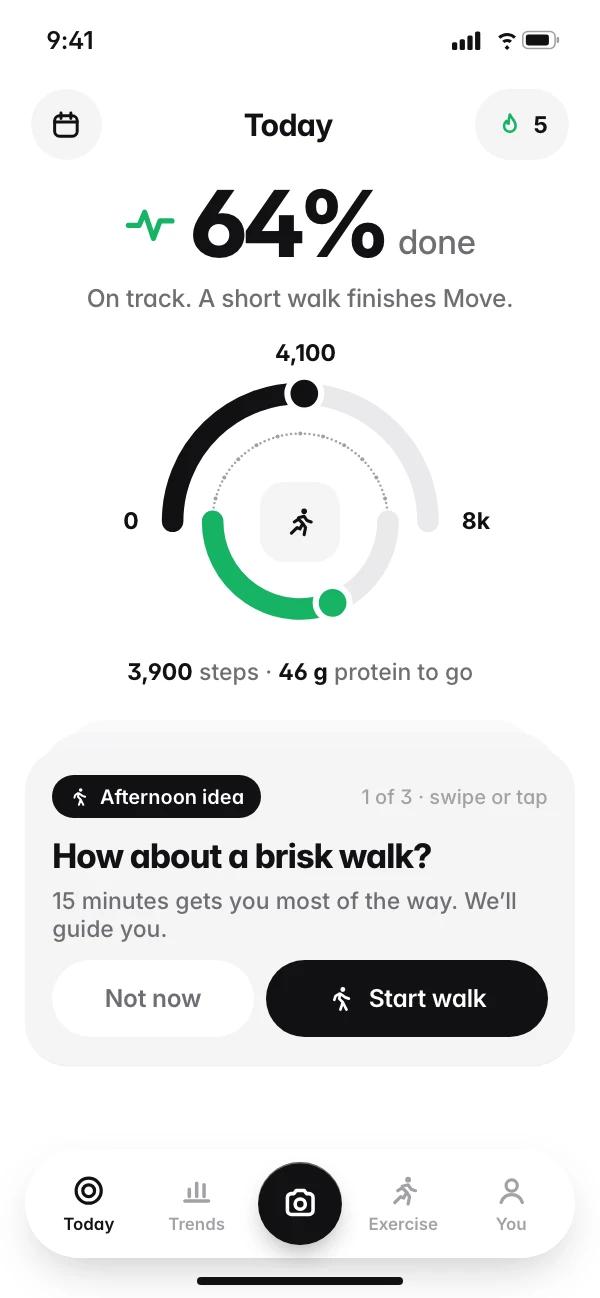
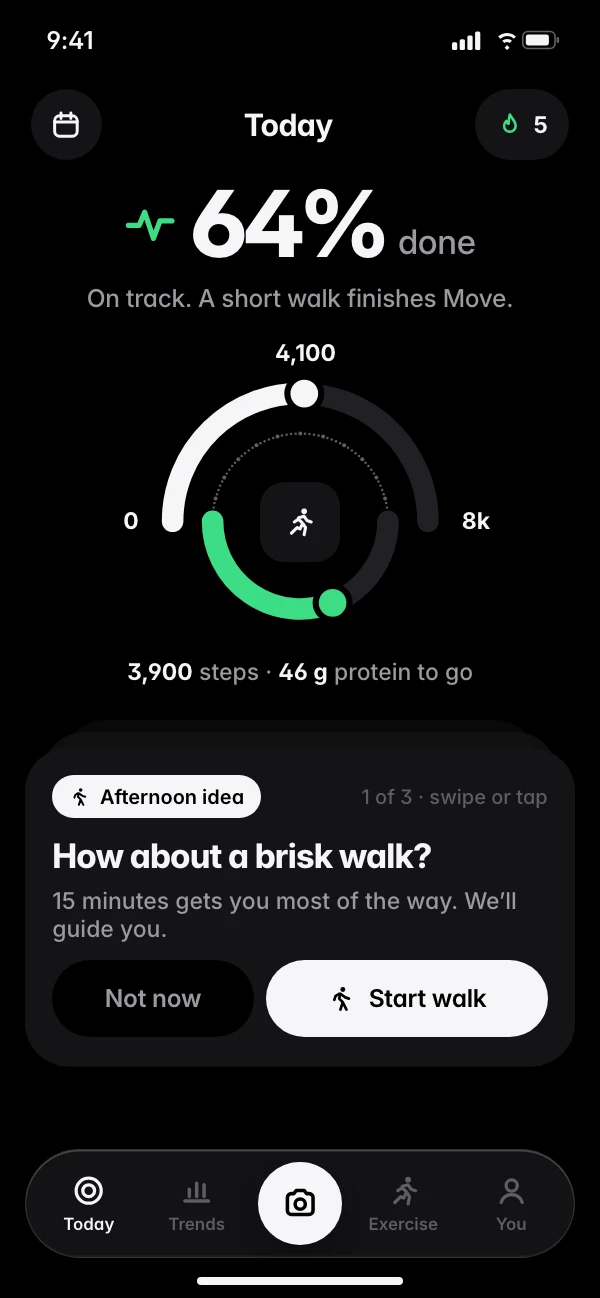
01See your day
One number tells you how much of today is done. Steps come in from Apple Health, and one card at a time tells you the next useful thing.
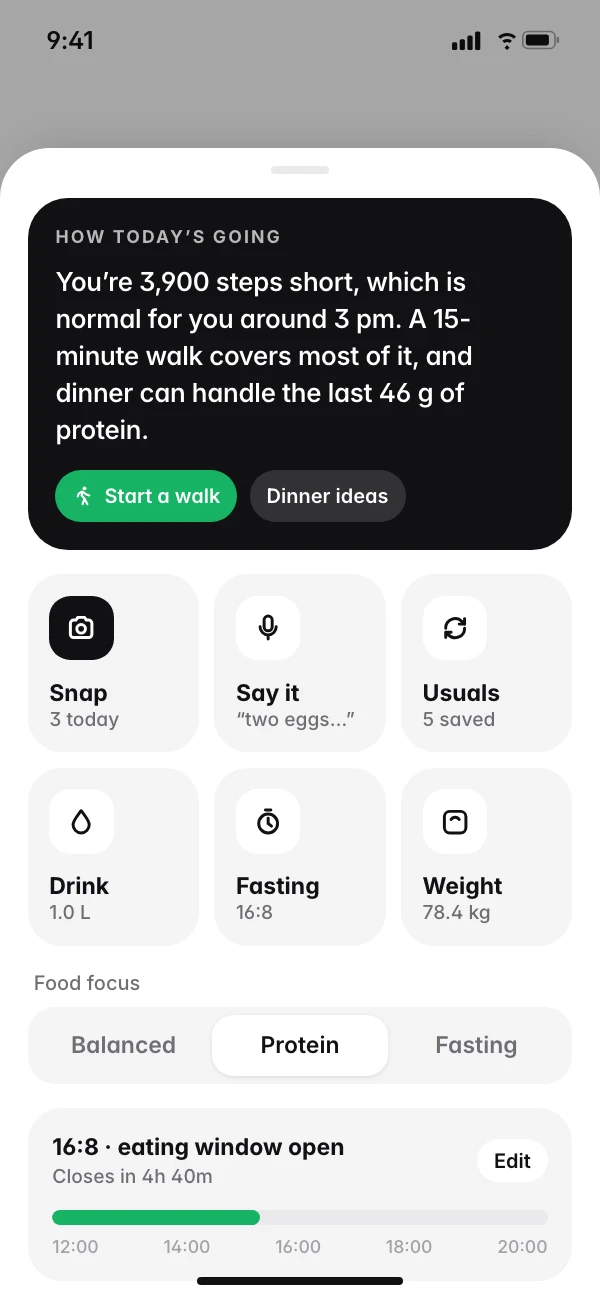
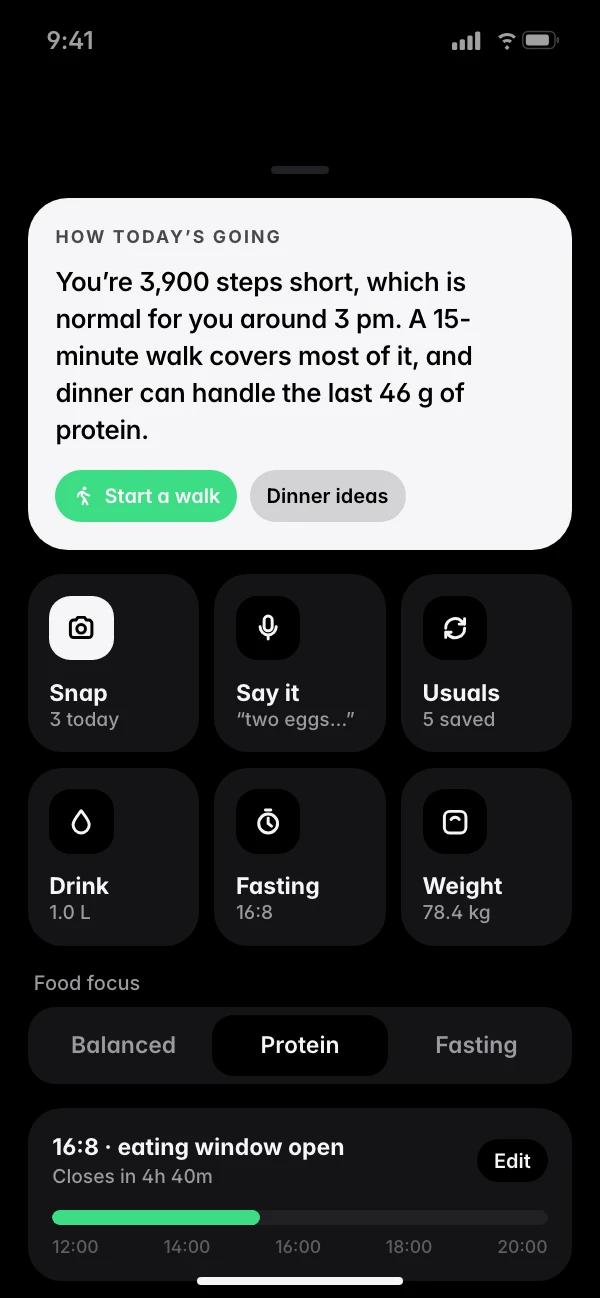
02Log it fast
Snap a photo, say what you ate, or tap one of your usual meals. Water, fasting and weight are in the same place.
03Go for a walk
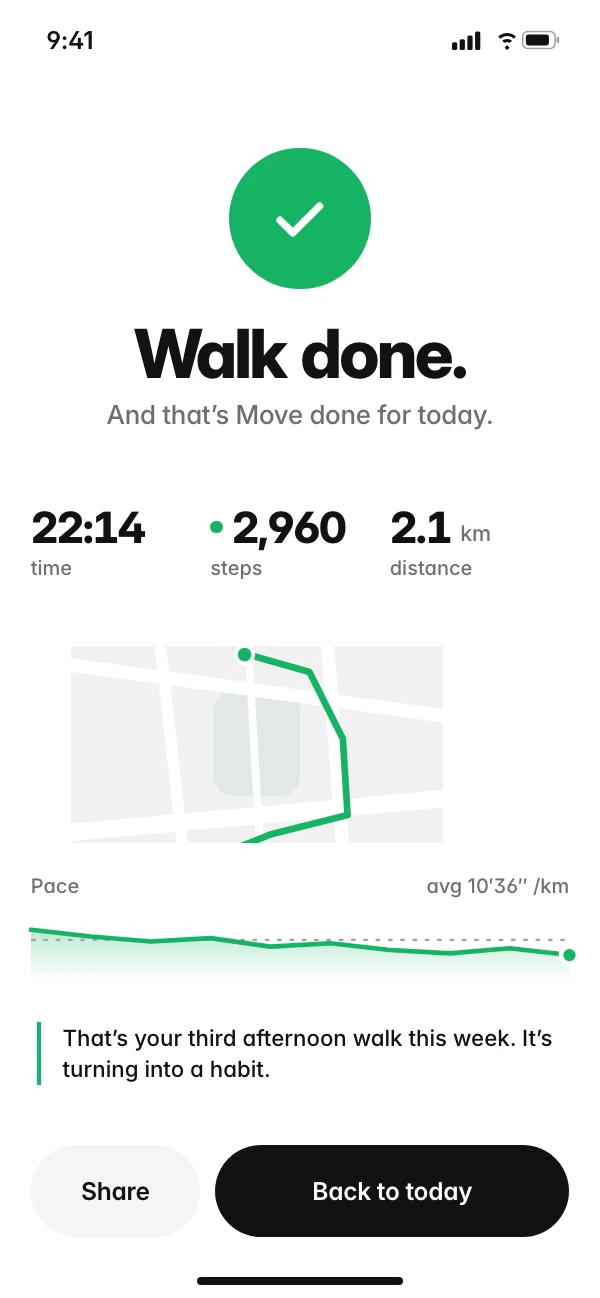
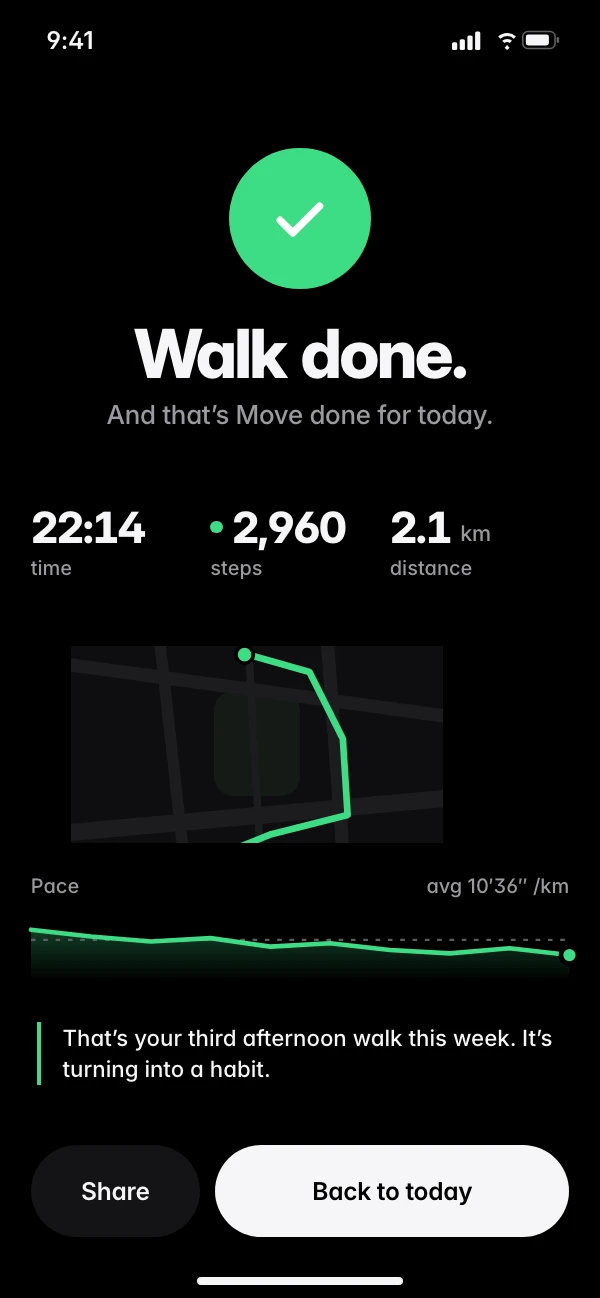
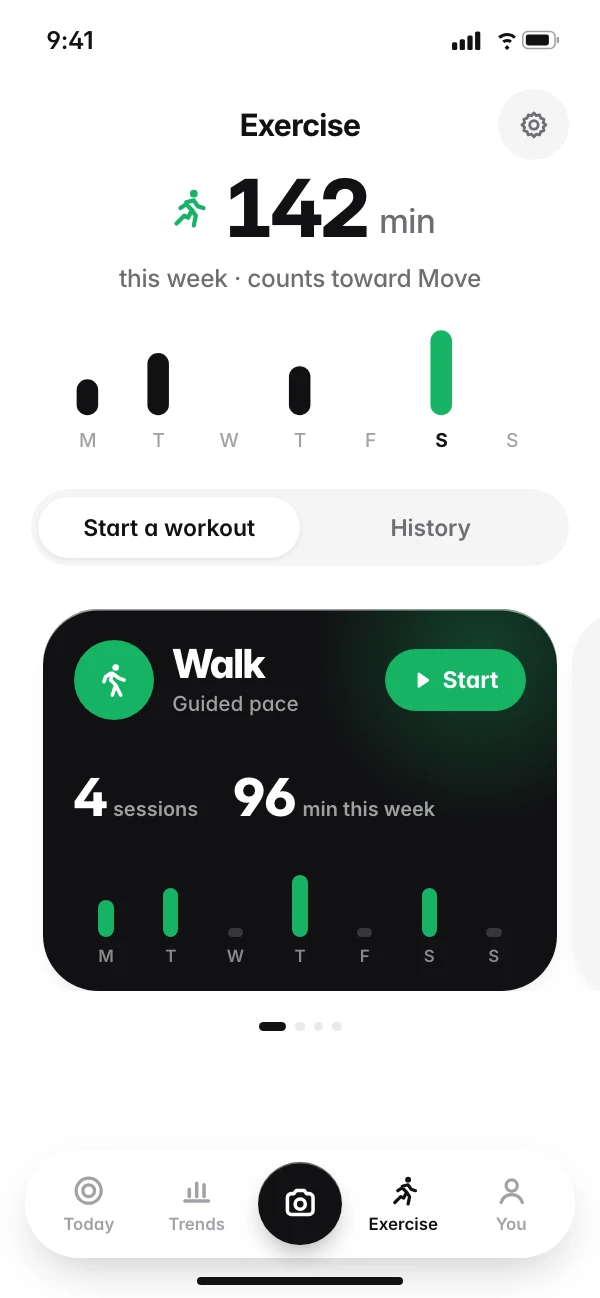
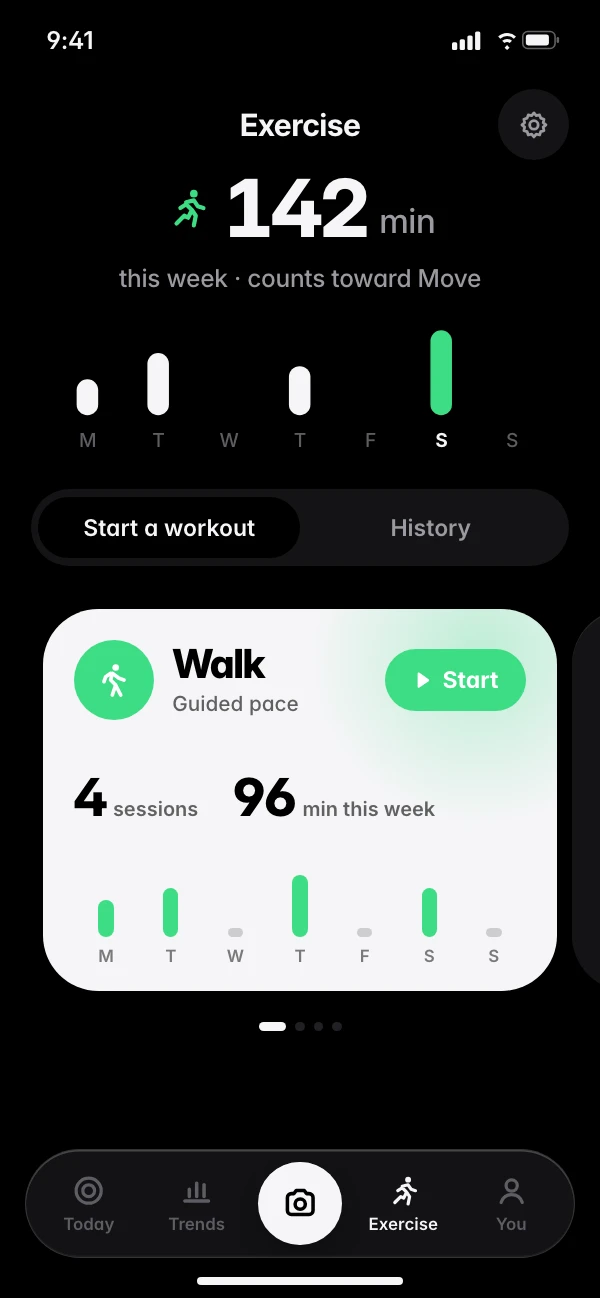
Start a guided walk, run, ride or gym session. You get a live map, pace and splits, and a coach that talks you through it. It all saves to Apple Health.
It changes with your day.
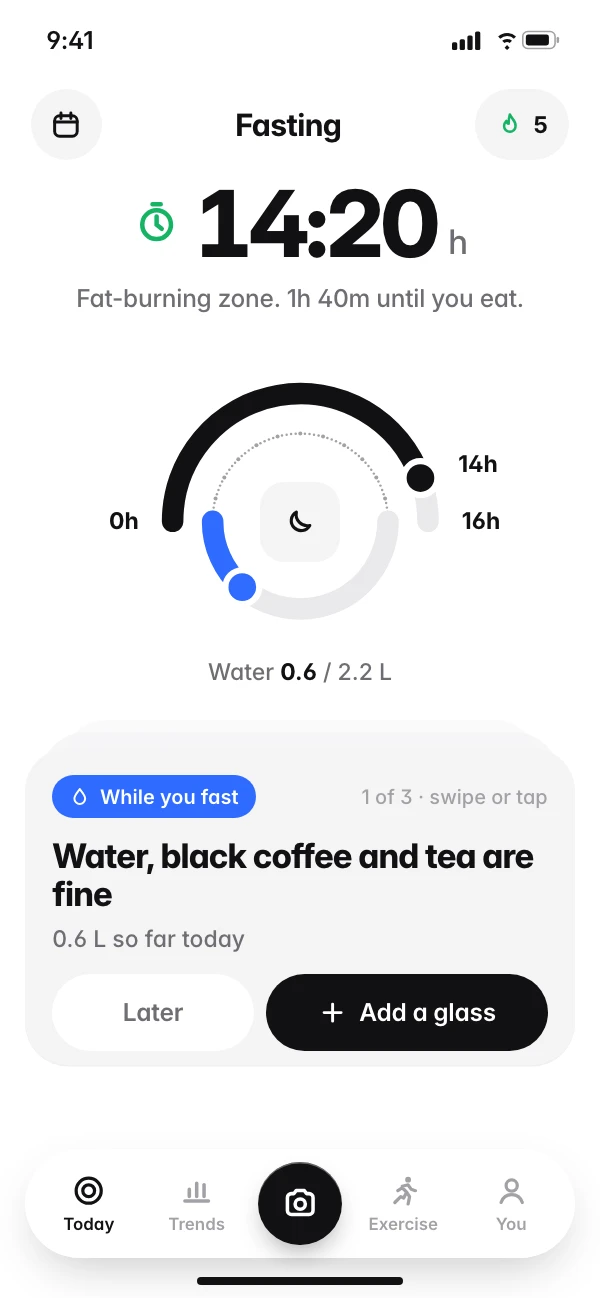
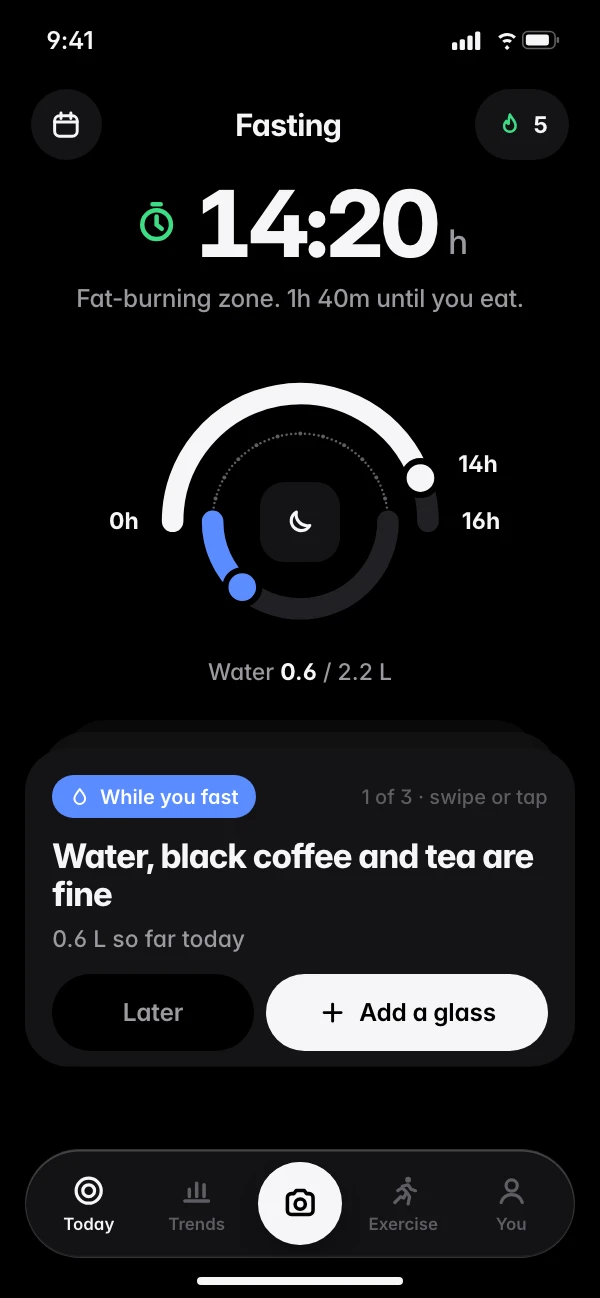
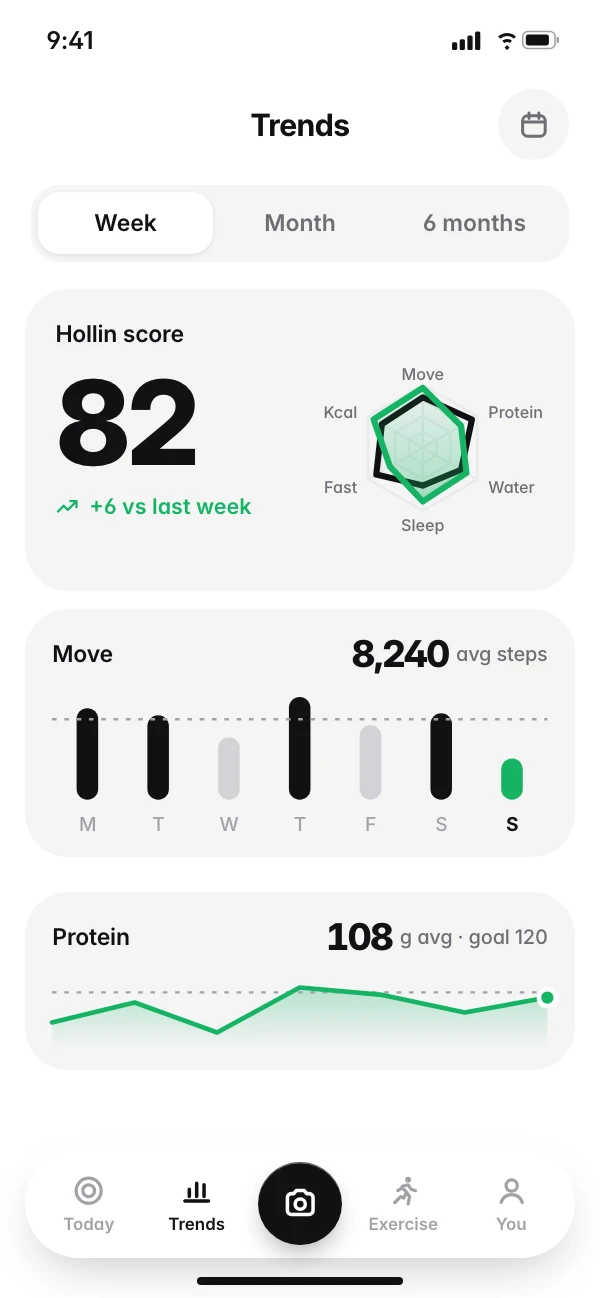
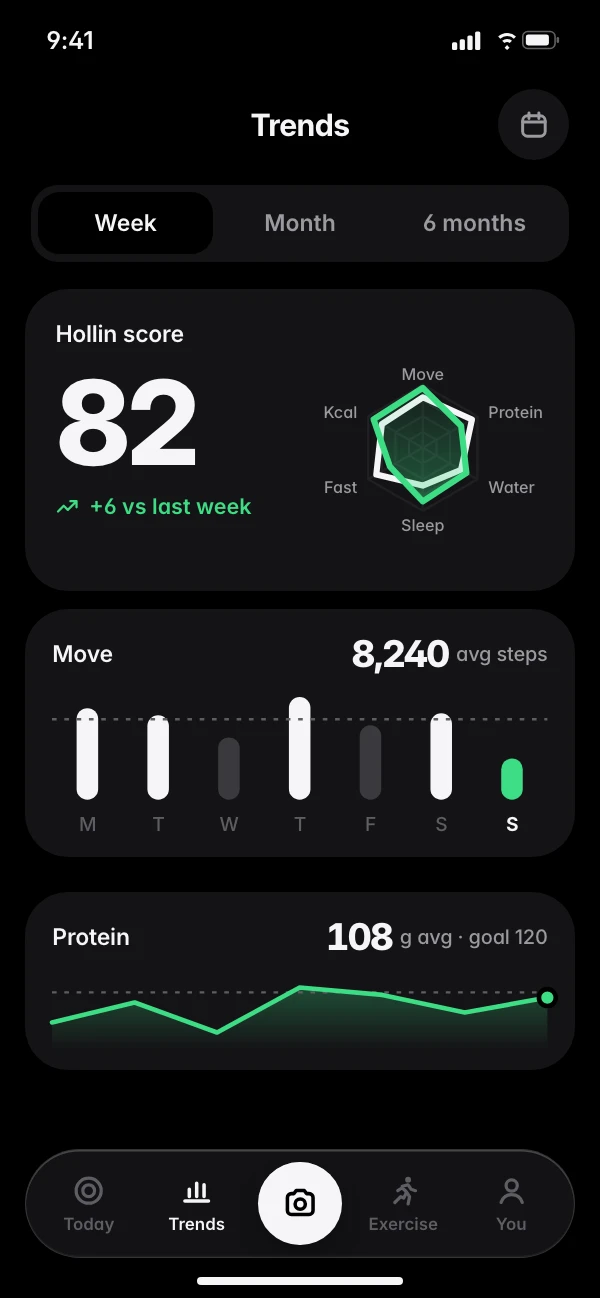
While you fast, it counts down your window. At 3 pm, it suggests a walk and guides you through it. On Sunday, Trends shows how the week went.
- 08:30Today
- 10:20Fasting
- 12:40Log lunch
- 15:20Brisk walk
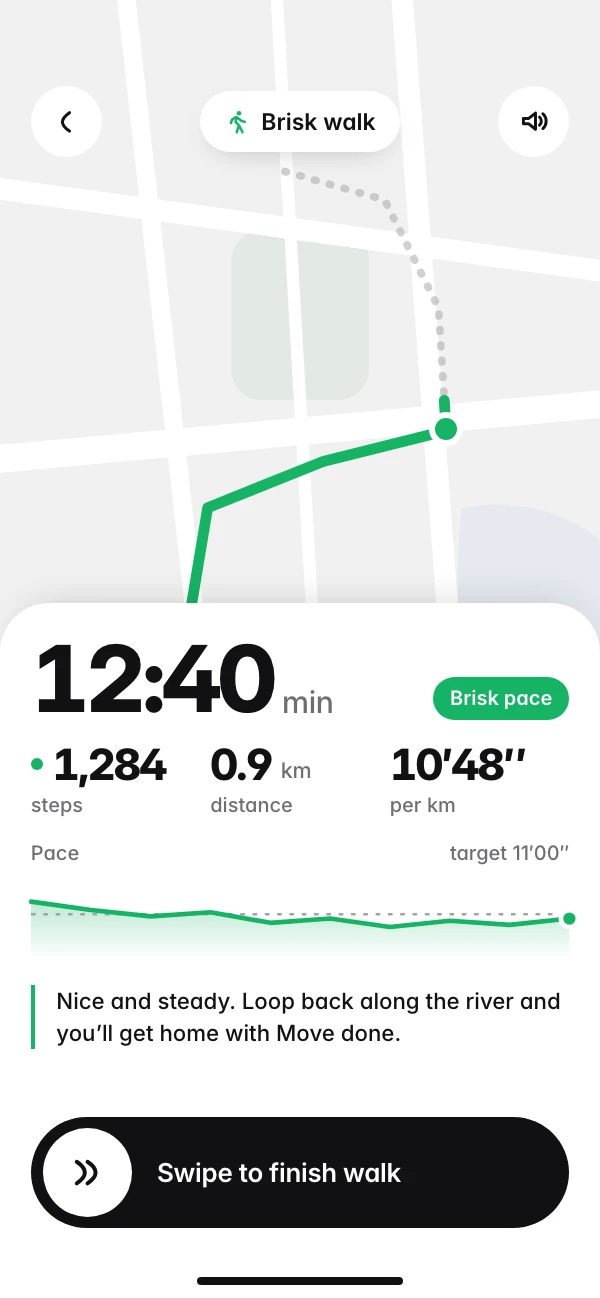
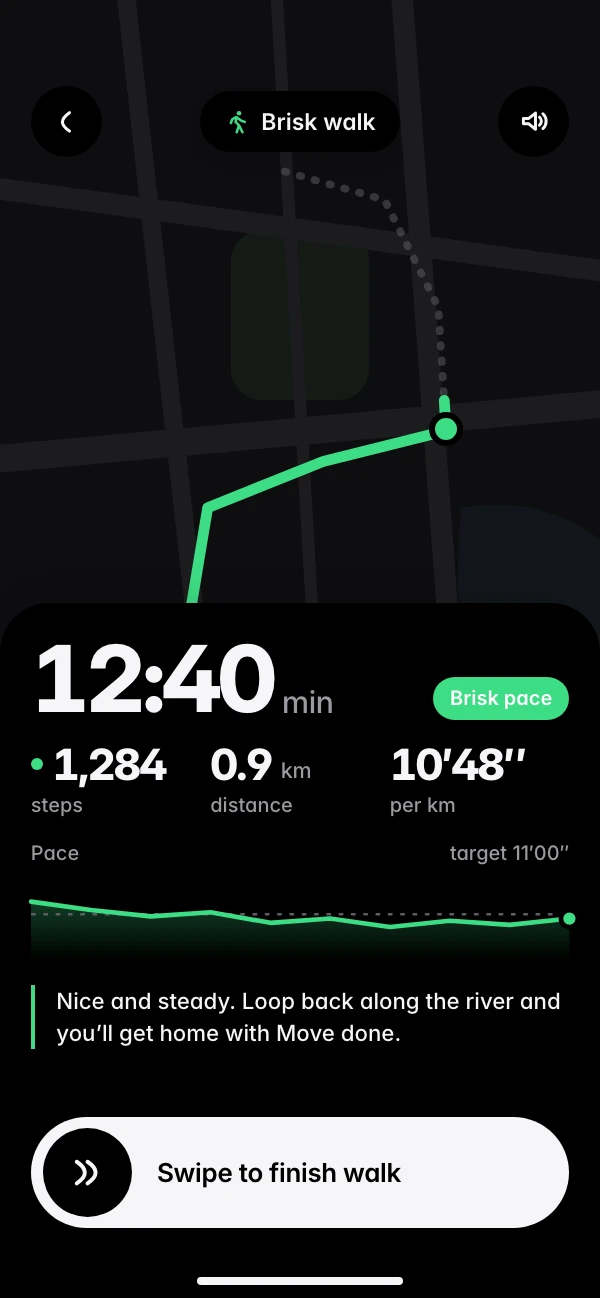
- 15:45Walk done
- 18:00Exercise
- SundayTrends
Not a gym person? That’s fine.
Hollin is built for people who want the basics covered: enough steps, enough protein, and a week that mostly goes to plan. If you do train, tell us when, and your workouts count by themselves.
- Your step target starts just above what you already walk.
- Win a week and it goes up by 250. Miss one and it stays put.
- Eat over your target and today’s step goal rises to balance it. Hollin tells you why.
- No extra points for doing more than enough.
It never goes down. Weeks 3 and 6 didn’t go to plan, and nothing was lost.
The food data you need,without the paperwork.
| Hollin |     Typical calorie apps | |
|---|---|---|
| A food diary to keep | No | Yes |
| How food gets logged | Photo, Apple Health, your usual meals, voice | Search, scan a barcode or snap a photo, one entry at a time |
| Shows how sure the AI is | Yes, and you can fix it in a tap | Rarely |
| Streaks | None. You win weeks, not days | Daily streaks |
| Upsell pop-ups | None | Often |
| Tells you when you’re done | Yes, then goes quiet | No |
Oh, and there’s a dark mode.
It follows your phone, or pick one. Try the switch at the top of this page.
One price. No surprises.
No tiers, no pop-ups asking you to upgrade, and no hunting for the cancel button. It’s in the app, two taps from the home screen.
- Photo, voice and barcode logging
- Apple Health sync
- Full food database and macros
- Fasting, water and weight
- Guided walks, runs, rides and gym sessions
- Trends with a weekly Hollin score
Your health data is yours.
Hosted in the EU
Built by re-entry, an independent app studio in Germany.
Never sold
We don’t sell your data or show you ads.
You’re in control
Export or delete everything from the app.
Questions people ask us.
Do I need to log every meal?
No. Snap what you can. Your usual meals log with one swipe, and Apple Health fills in steps and workouts.
What if I don’t work out?
That’s who Hollin is built for. Steps and food are enough for a done day.
How accurate is the photo logging?
It tells you how sure it is. If it’s wrong, tap to change it or just say what it was.
What happens if I miss a day?
Nothing breaks. There are no daily streaks. Five done days wins you the week, so a day off is part of the plan.
Does Hollin track walks and runs?
Yes. Start a guided walk, run, ride or gym session from the Exercise tab. You see a live map, pace and splits, a coach speaks up when it helps, and the workout saves to Apple Health.
What is the Hollin score?
A weekly score in the Trends tab. It looks at Move, Protein, Water, Sleep, Fast and Kcal, so you can see which part of the week held up and which didn’t.
What if I eat more than planned?
Today’s step goal goes up a little to balance it, and Hollin tells you why. Nothing else changes.
How do I cancel?
In the app, two taps from the home screen.
Ready when you are.
Setup takes a couple of minutes. After that, most days take a few swipes.